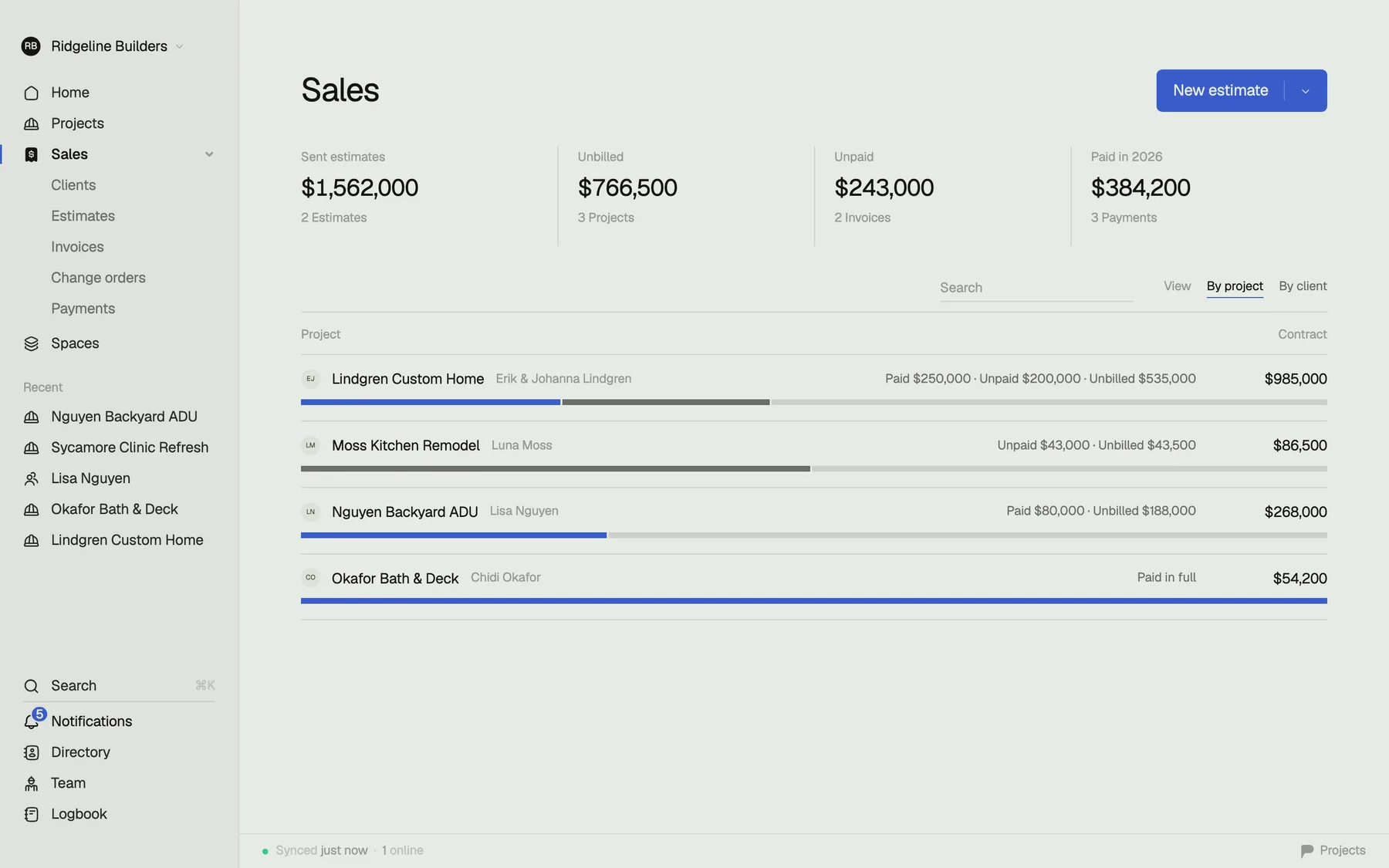
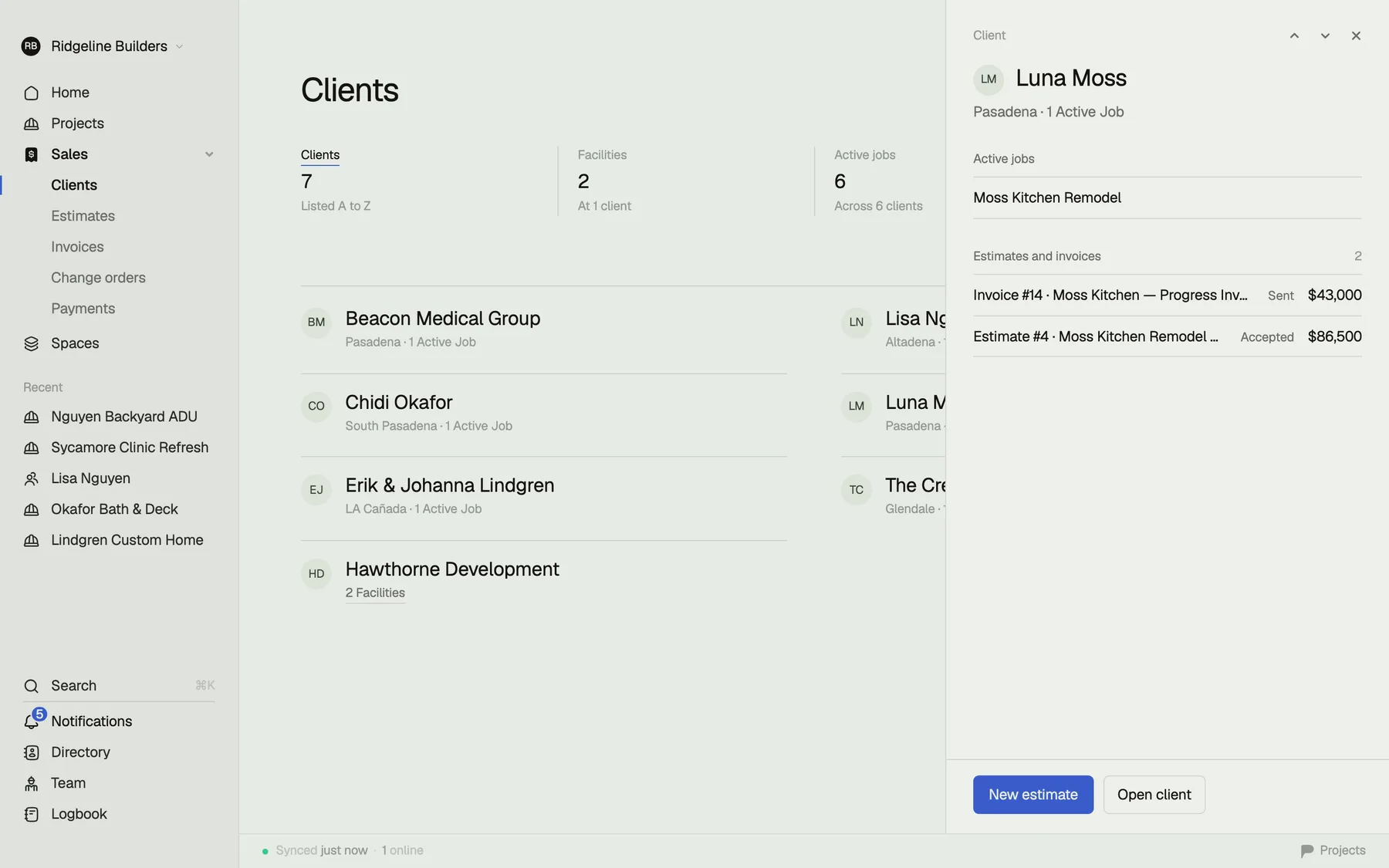
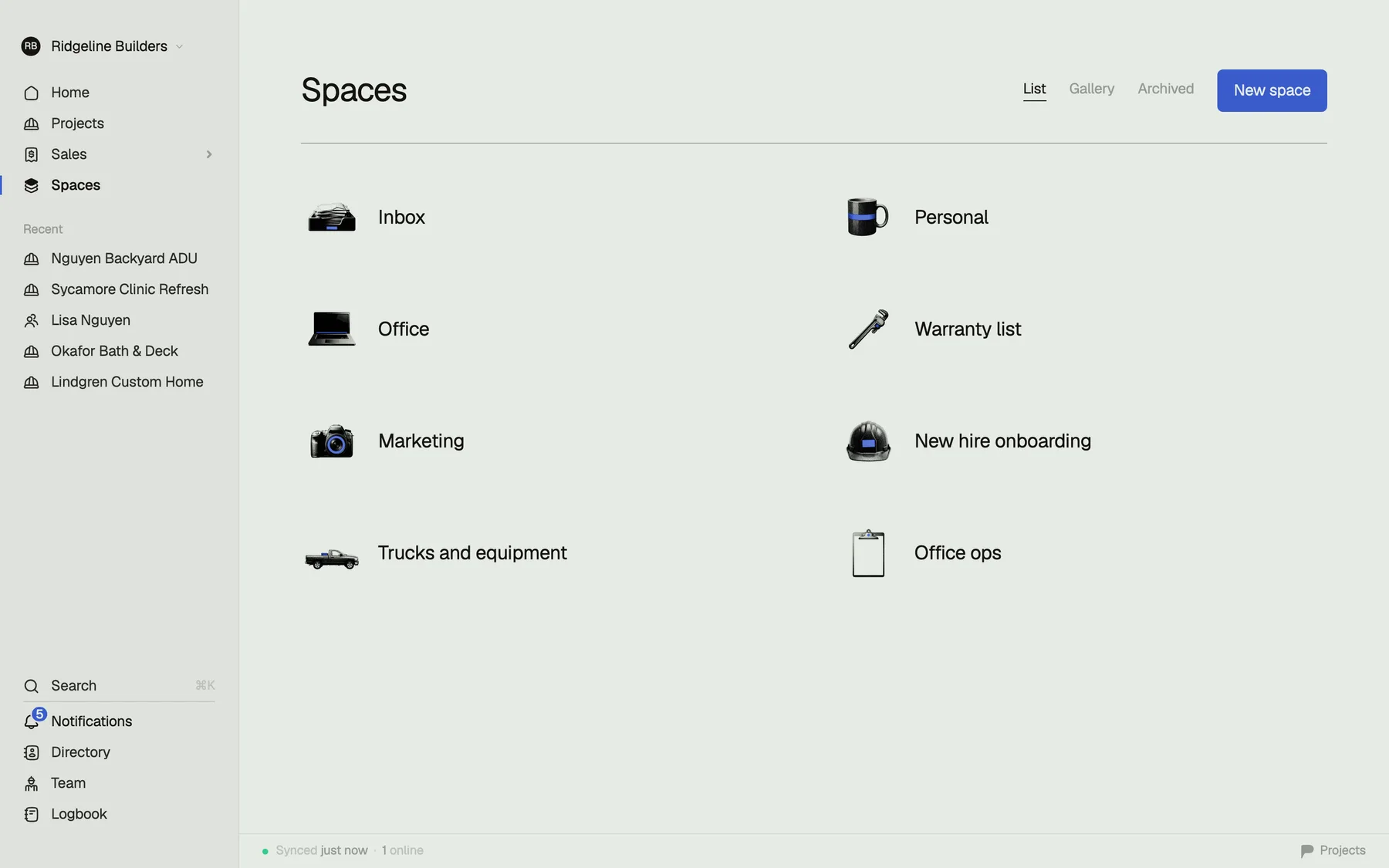
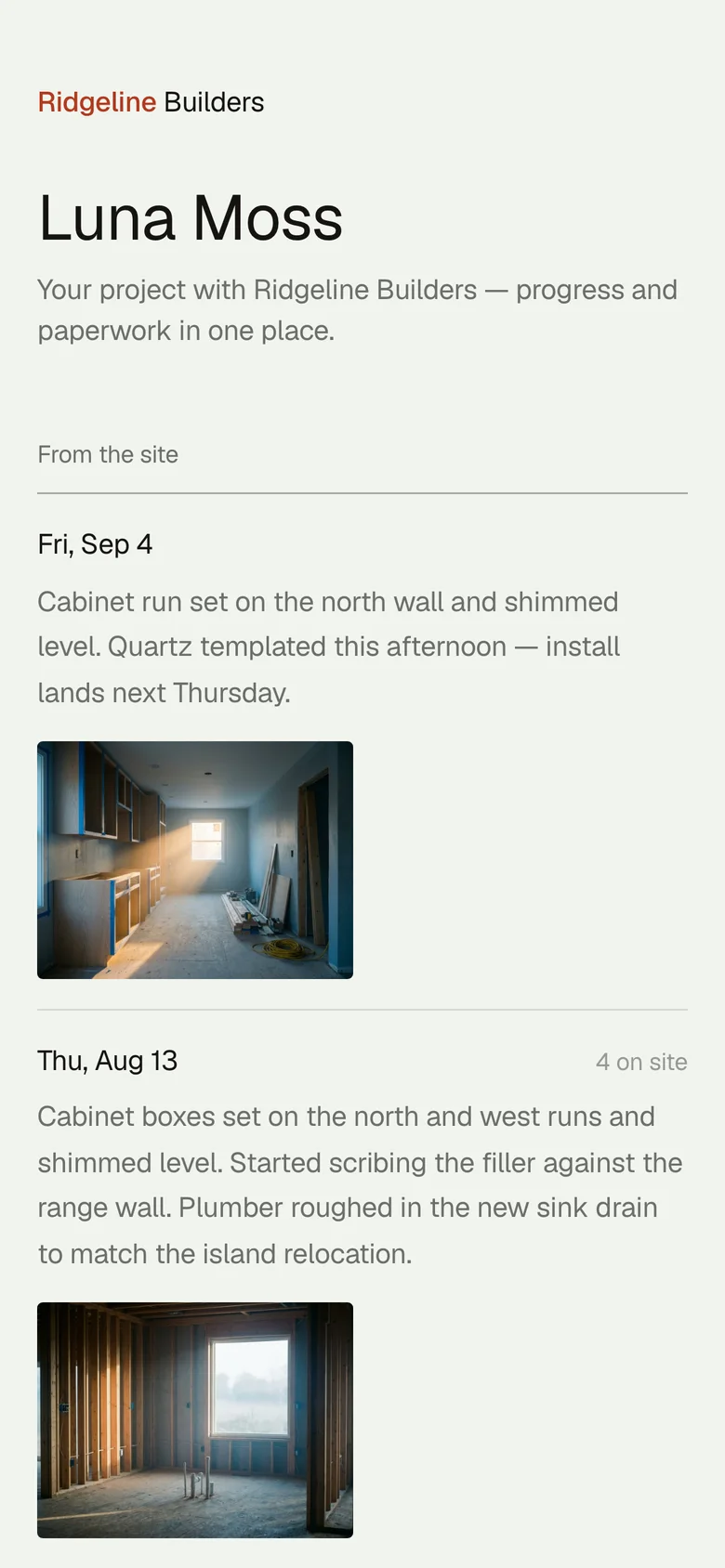
Run the whole job from one app.

Tasks, schedule, budgets, plans, photos, subs — everything you're juggling across five apps and a spreadsheet, in one fast place. On your iPhone and in the office.

Free to start. No sales call. No training seminar.

app.projects.build
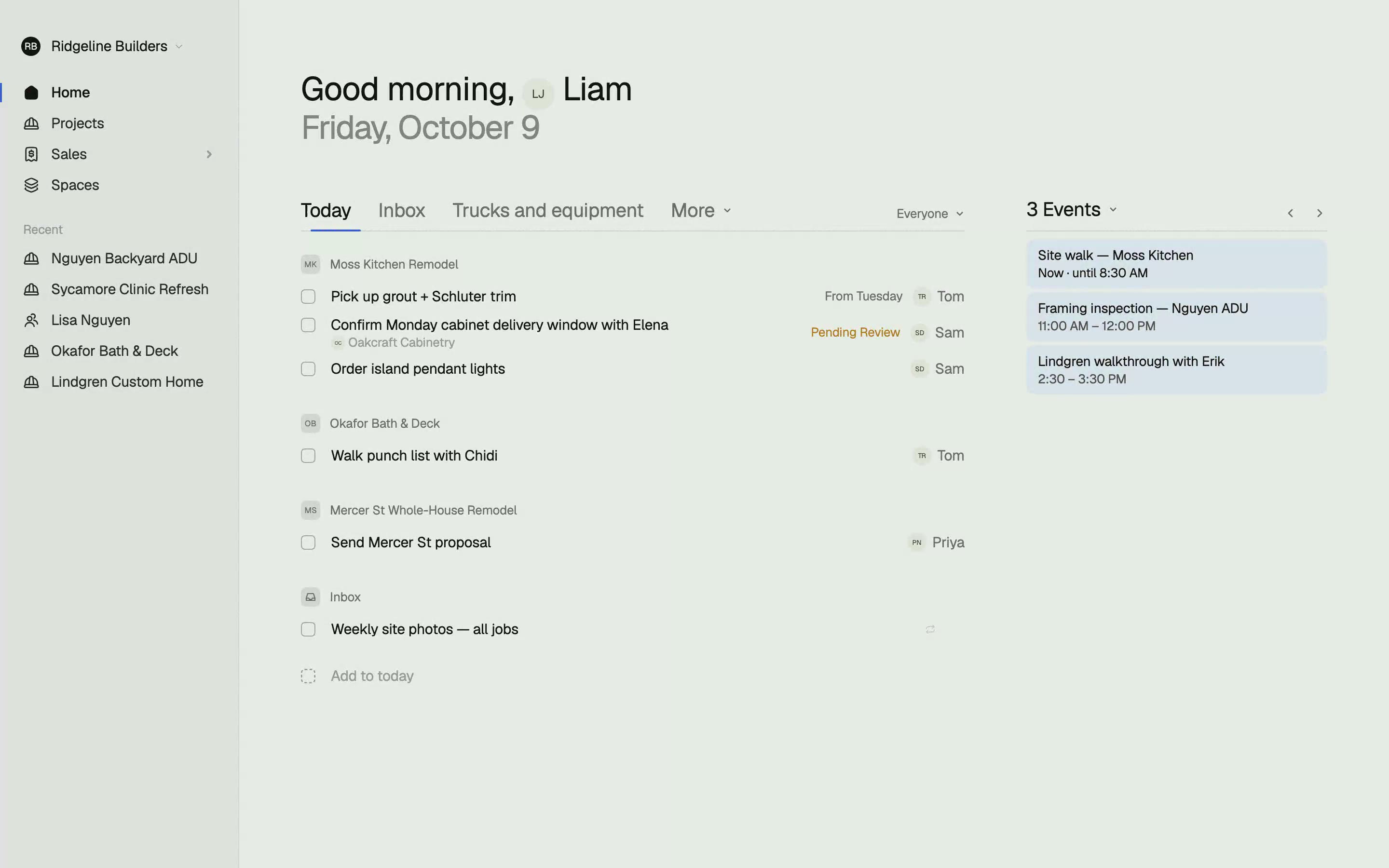
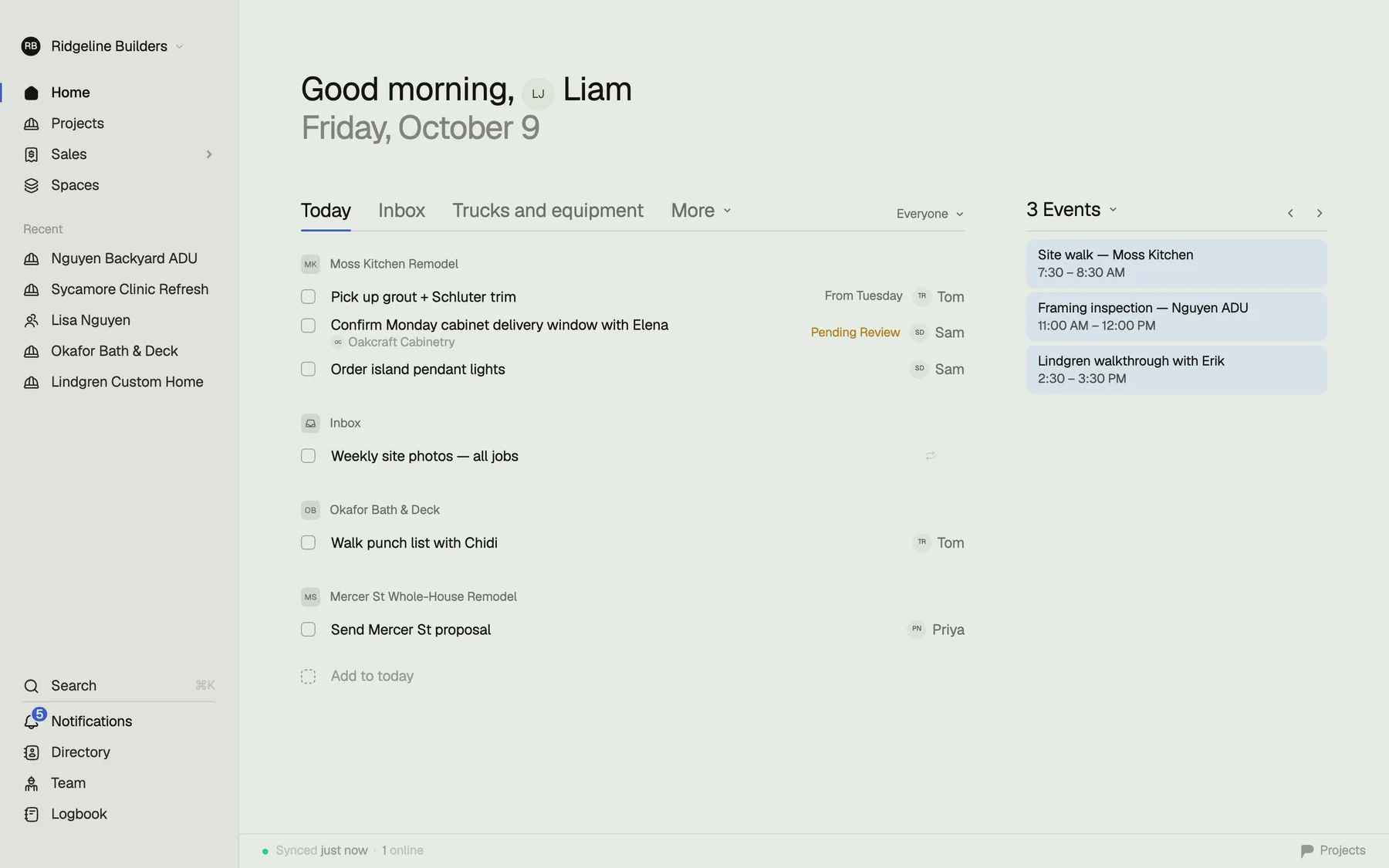
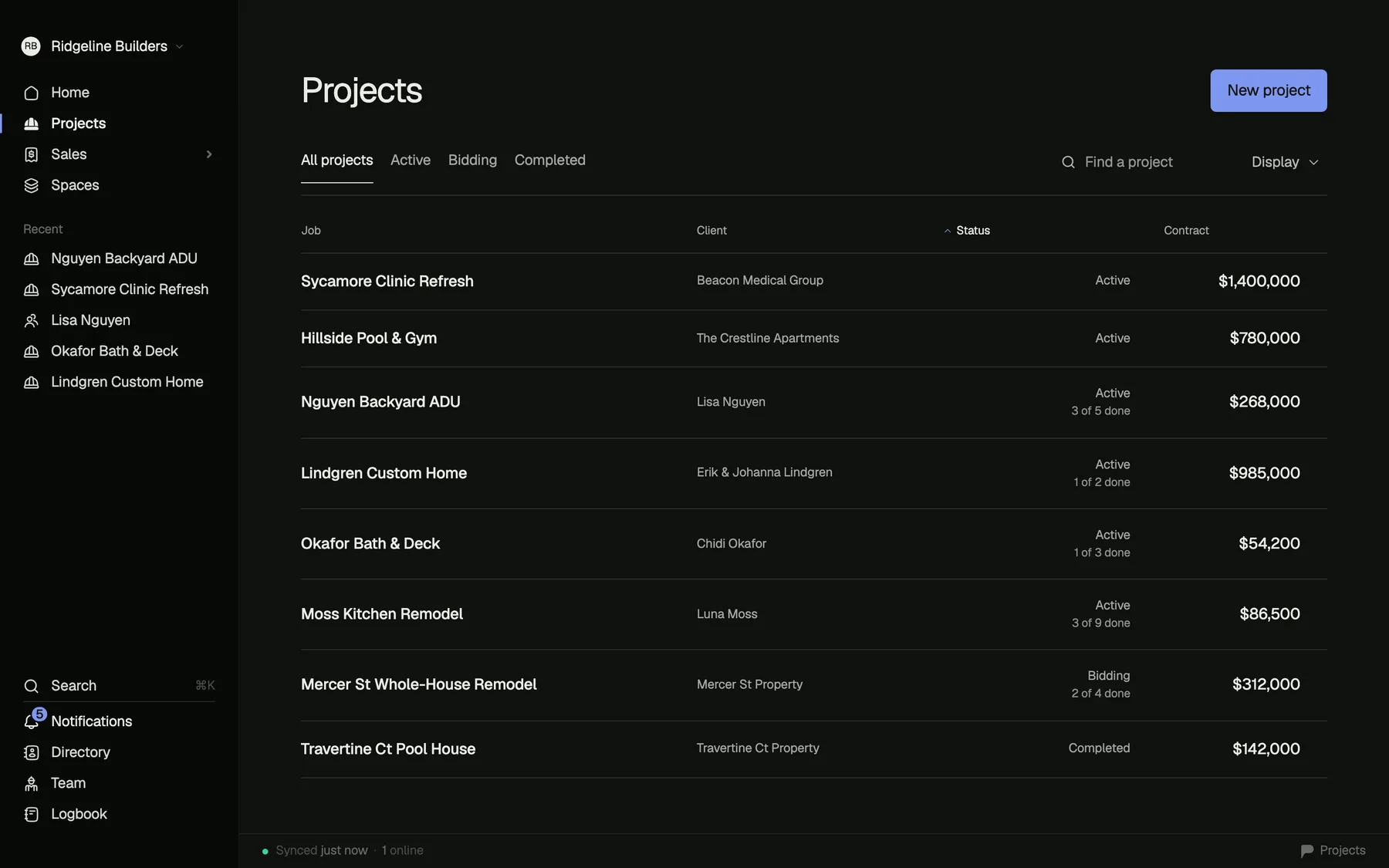
Projects home — today's tasks across every job, $1.4M in flight

Five apps to run one job is not a system.

A task app for your brain. A PM tool for the schedule. A construction cloud for the money — so many clicks deep you end up doing the real math in a spreadsheet anyway. A doc for proposals. Projects replaces the pile.

A task appA PM toolA construction cloudThe spreadsheetThe proposal docProjects

Money

Am I making money on this job?

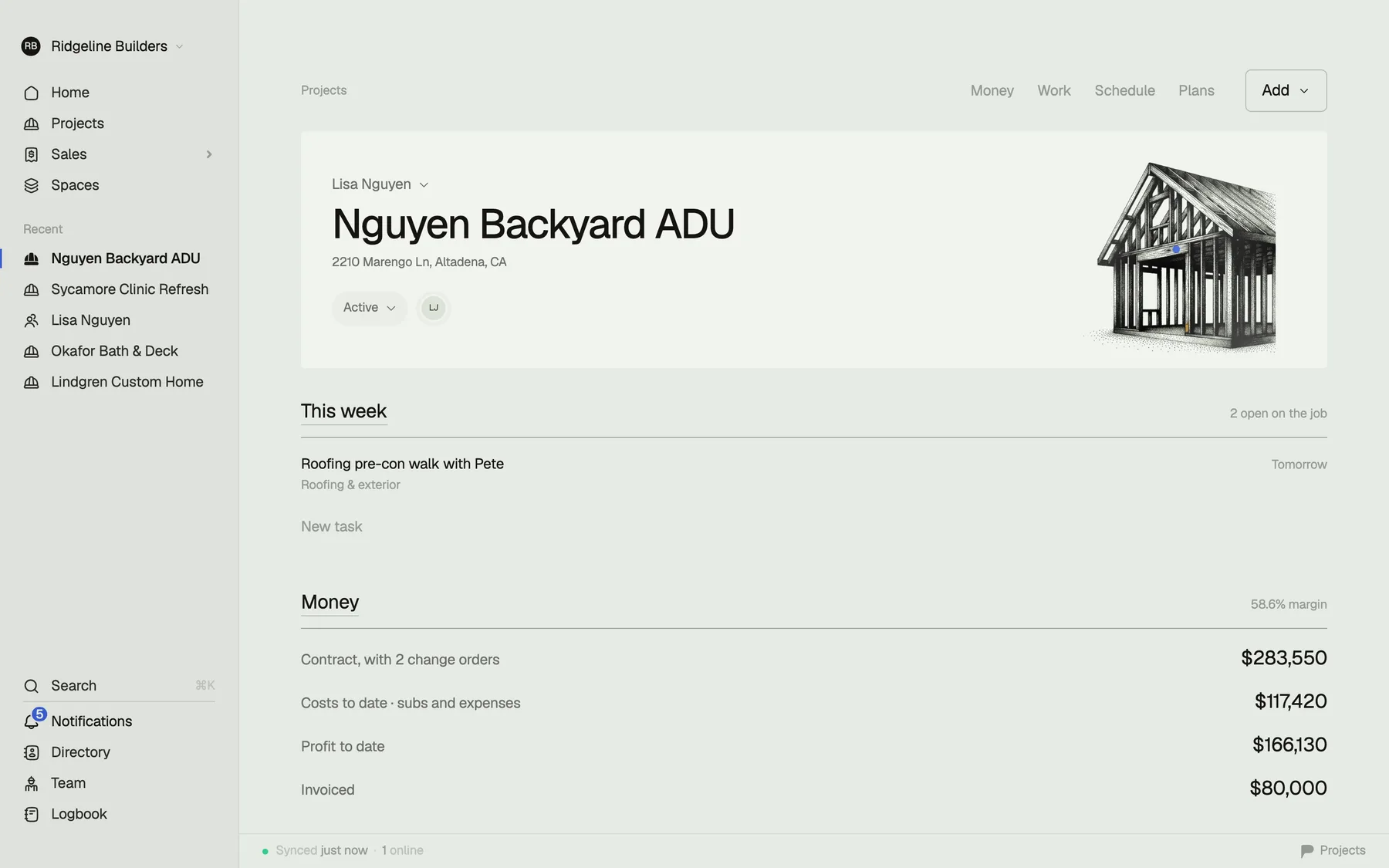
Contract, spent, remaining, pending change orders — the moment you open a job. You shouldn't need to export anything, and you shouldn't need a spreadsheet to know where you stand.

app.projects.build
A project's Money tab — contract $985,000, spent $389,150, remaining $595,850, pending change orders $8,900, with every expense linked to its vendor

iPhone

Run the day from your pocket.

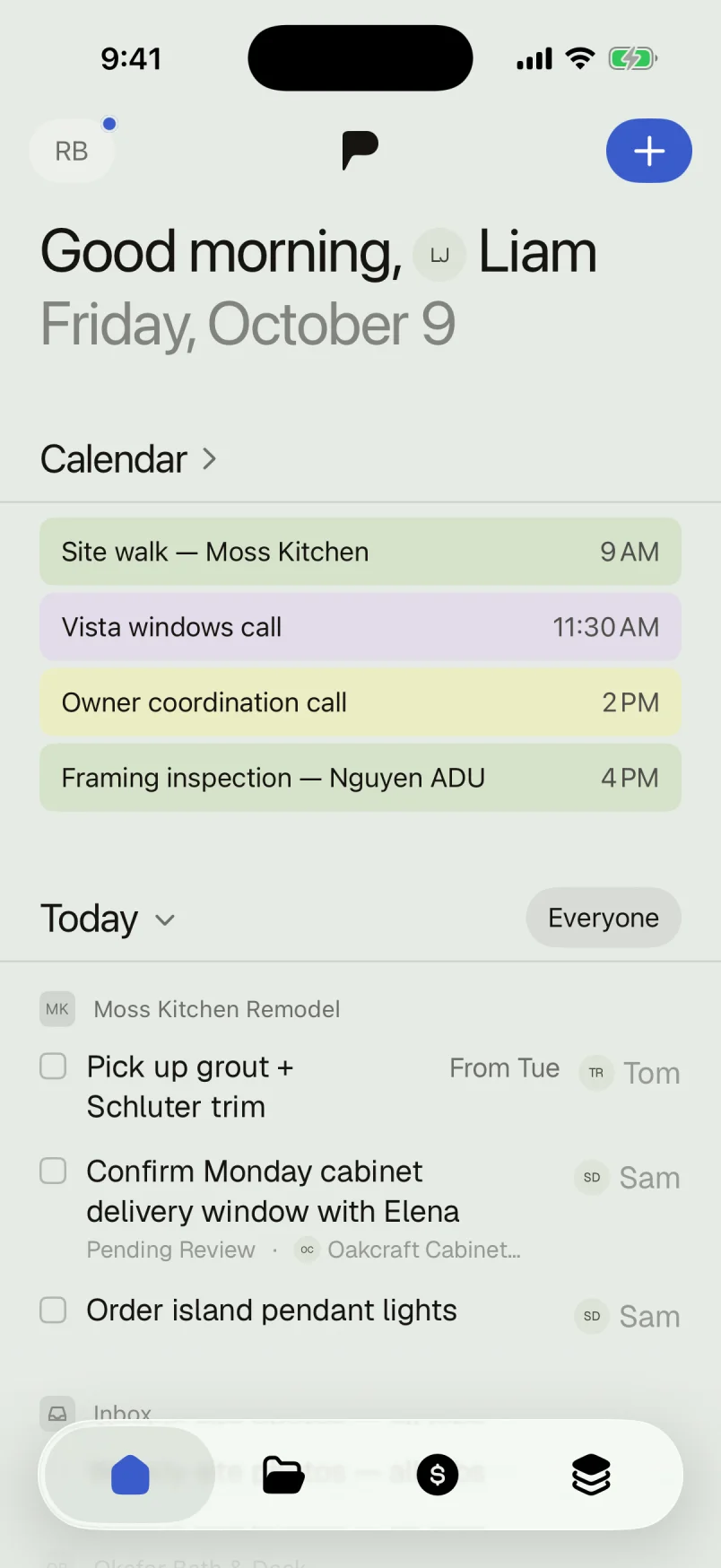
Type “call inspector tomorrow 8am” and it files itself — date, reminder, done. Brain-dump on the tailgate, swipe tasks to done, let the recurring ones come back on their own.

  • Works offline on site. Basement, framing stage, no signal — keep working. It syncs when you do.
  • Reminders and recurring tasks. Weekly site photos every Friday, without thinking about Friday.
  • A real iPhone app. Native, fast, built for one-thumb use between conversations.

More about the iPhone app

Today on iPhone — every job's tasks, the overdue one on top, quick-add a thumb away

Schedule

Drag the schedule, not export it.

Phases with dependencies, a today line that tells the truth, and bars you move with your mouse — dates save when you let go. When framing slips a week, the plan slips with it.

app.projects.build
Dragging the MEP rough-in phase on the ADU schedule — dates save on release
app.projects.build
Typing through the money grid with arrow keys, editing an amount, undoing with command-Z

Expenses & change orders

Money, without the module.

Expenses, change orders, and budgets live on the job, in a grid that types like the spreadsheet you trust — arrows, enter, done. Except it never goes stale, and your accountant gets a clean CSV.

Your spreadsheet was faster than your construction cloud. We noticed too.

Plans ride along.

Sheets with revisions, deep zoom that doesn't stutter, and redlines drawn with your finger or Apple Pencil — standing in the room they describe.

Photos stay with the job.

Site photos land on the project, not in your camera roll between kid pictures. Find the pre-drywall shot the day the question comes up.

Directory

Your whole book, with you.

Every sub, supplier, and client — trades, license numbers, who actually answers the phone. Ours came in 717 vendors strong.

app.projects.build
The Directory — subs and suppliers with trades, ratings, and licenses, searchable

Fast is a feature.

If your PM software needs a certification course, it's not managing the project — you're managing it.

< 3s
from tap to your task list
Offline
keeps working where jobs actually are
~100 KB
of JavaScript on the web app
Zero
training seminars required

Built on real jobs.

Projects was built by a builder who ran real construction across five apps and a spreadsheet — and got tired of paying enterprise prices to feel slower. Every screen exists because a real job needed it.

Read the story

Free to start. $29 a person after.

Every feature on every plan — no modules, no implementation fee, no annual contract. The price is on the next page, not behind a sales call.

Read the pricing

Set up your first job in five minutes.

Free to start. No sales call. No training seminar.